Introduction
V1.0
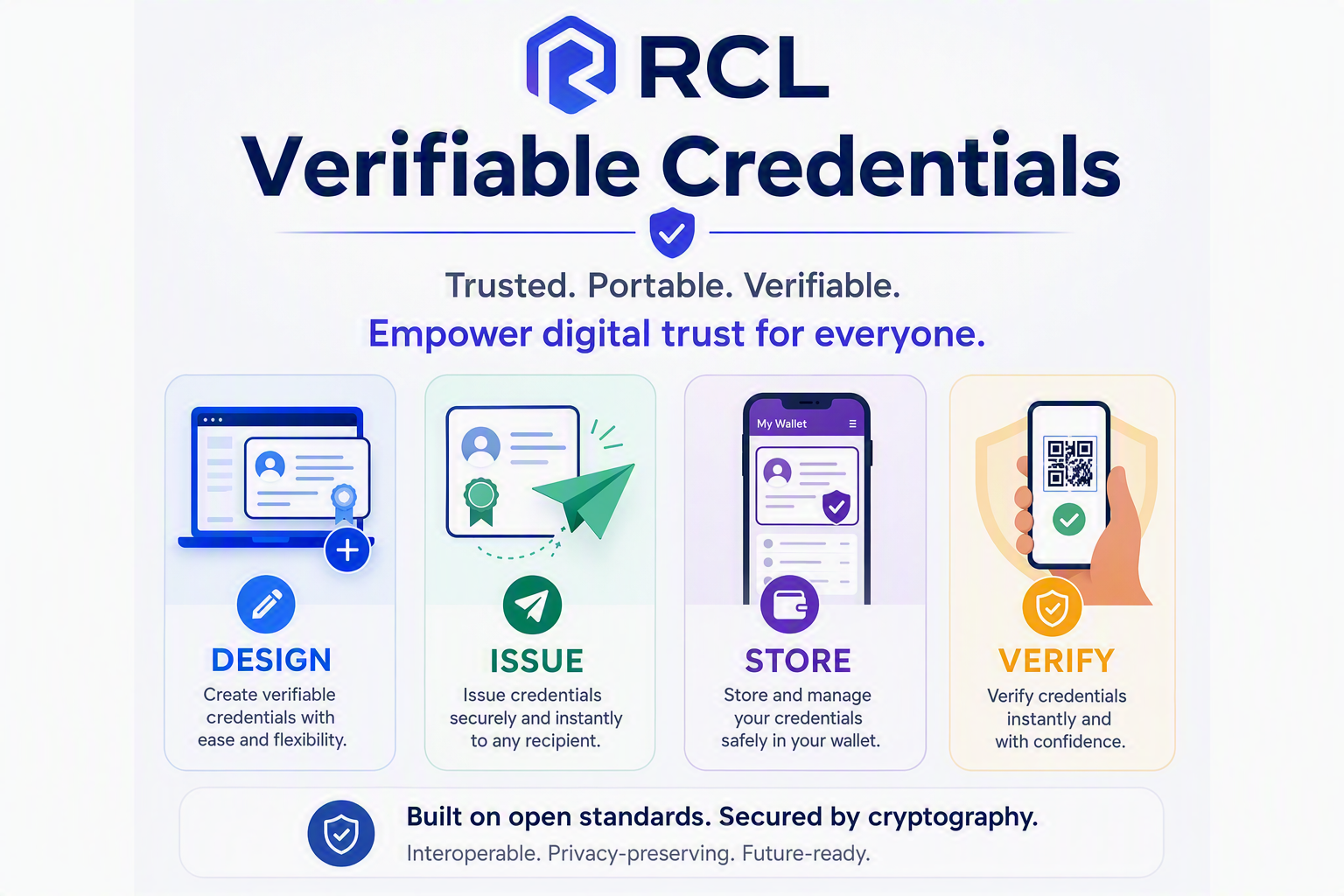
RCL Verifiable Credential (VC) is a platform to create, issue, store and verify W3C Verifiable Credentials. The platform can be used by anyone free of charge. Eliminate document and identity fraud with cryptographic, tamper-proof digital credentials.
What are Verifiable Credentials
Verifiable Credentials (VCs) are tamper-proof, cryptographically secure digital credentials that can be instantly checked and validated. Standardized by the World Wide Web Consortium (W3C), they act as the digital equivalent of physical documents like ID cards, driver’s licenses, academic diplomas or birth certificates. Unlike static PDF documents, VCs contain built-in cryptographic signatures that allow anyone to verify their authenticity automatically without needing a central database. The RCL Verifiable credential is a specific implementation of W3C Verifiable Credential standards.
The Triangle of Trust
The technology operates through an ecosystem containing three primary roles:
Issuer
The authoritative entity (e.g., an organization, training institution or government agency) that creates the credential and digitally signs it using their private cryptographic key. An issuer issues a credential to a holder.
Holder
The recipient (e.g., learner, member of the public) who receives the credential from an issuer and safely stores it on a smartphone, computer or digital wallet.
Verifier
The third-party entity (e.g. an organization, employer or a government agency) that reviews the holder’s credential and uses the issuer’s cryptographic public key to instantly check the credential’s validity.
RCL VC Platform
The RCL VC Platform comprises of the following applications:
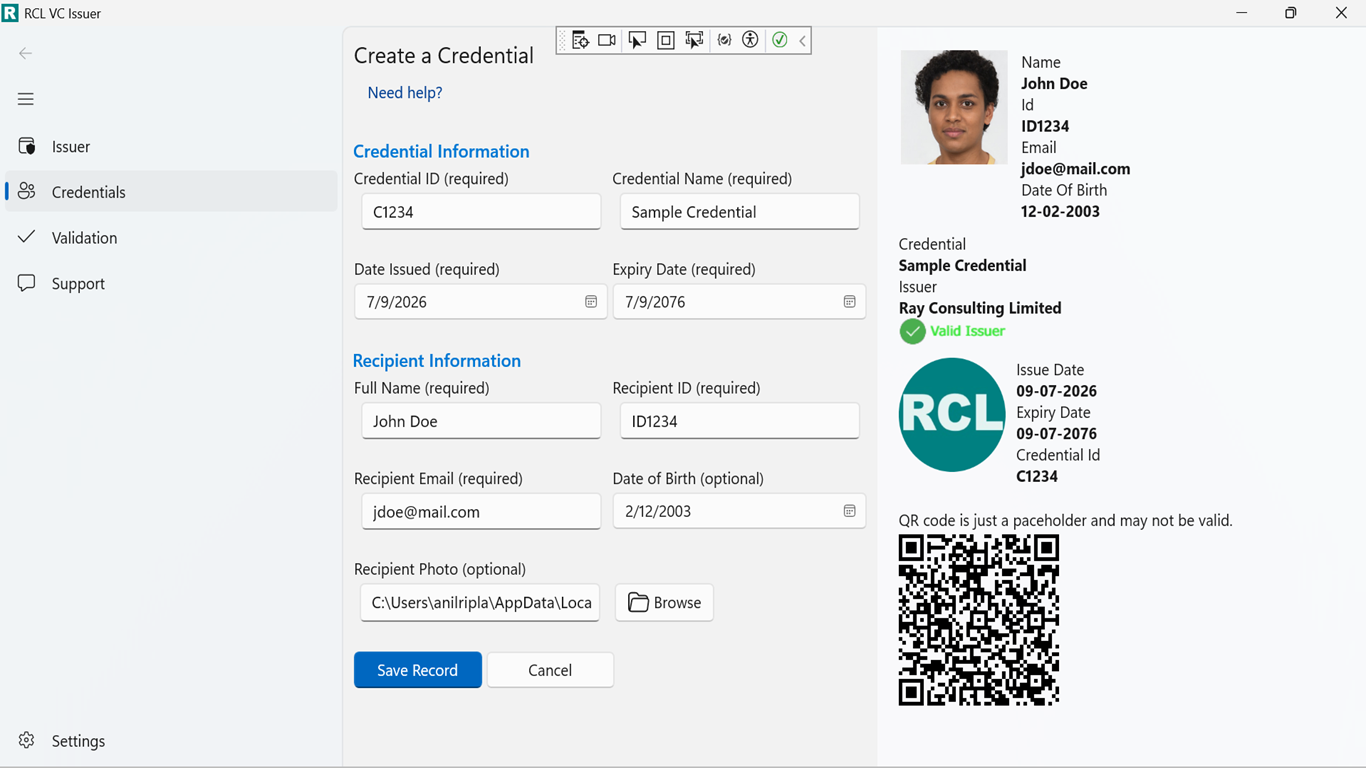
RCL VC Issuer
The RCL VC Issuer application is a Windows Desktop application. It can be downloaded and installed on a Windows PC for free from the Windows Store. It allows any organization to create and issue RCL Verifiable Credentials to holders.
RCL VC Issuer application
RCL VC Verifier
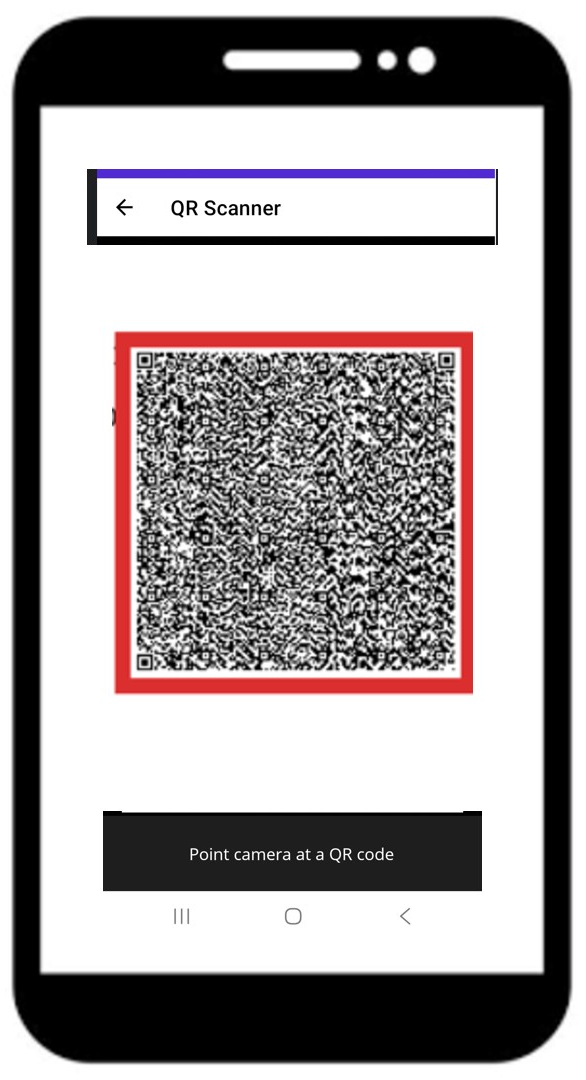
The RCL VC Verifier application is a mobile Android/iOS application that can be downloaded and installed for free from the relevant mobile app store. It allows any verifier to instantly verify a RCL Verifiable Credential’s validity by scanning the QR Code in the credential.
RCL VC Verifier application
RCL VC Wallet
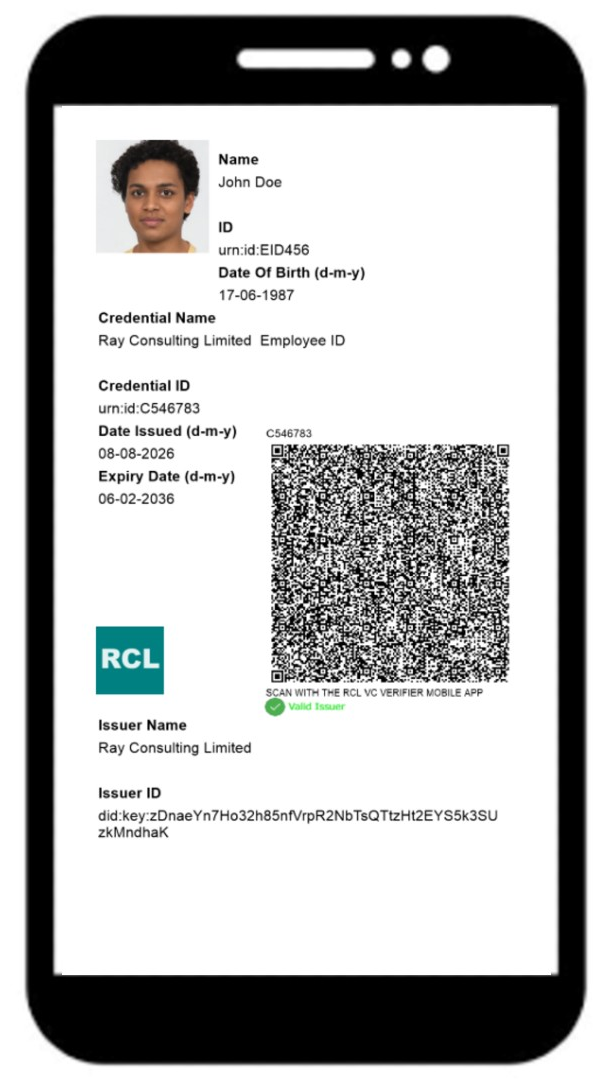
The RCL VC Wallet application is a mobile Android/iOS application that can be downloaded and installed for free from the relevant mobile app store. It allows holders to store their RCL Verifiable Credentials in PNG image format on a mobile device.
RCL VC Wallet application
How It Works
Issuance
An issuer will use the RCL VC Issuer application to create a cryptographic public-private key pair that they solely control. The keys are securely stored by the Windows OS on the issuer’s private PC.
Credentials
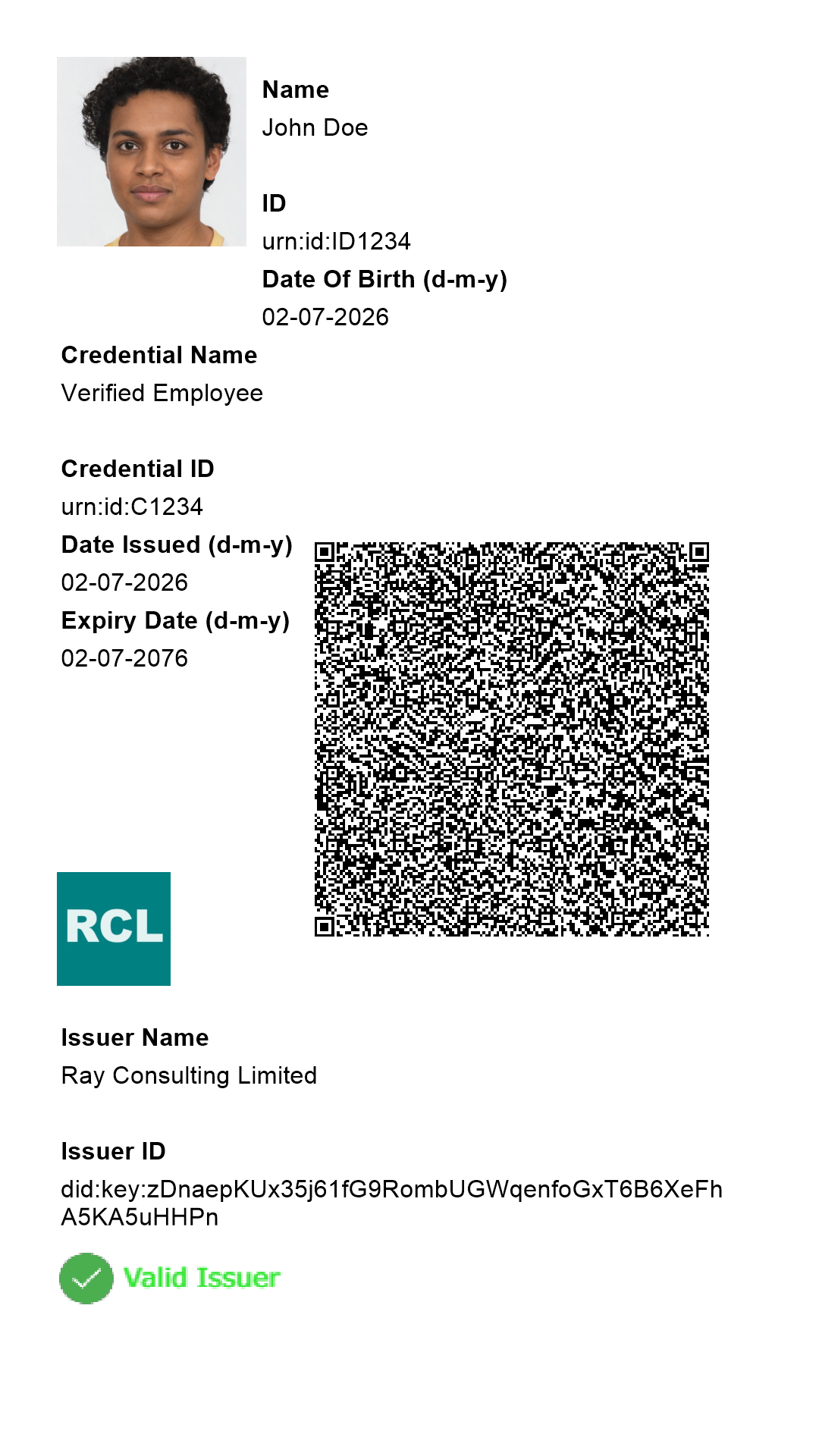
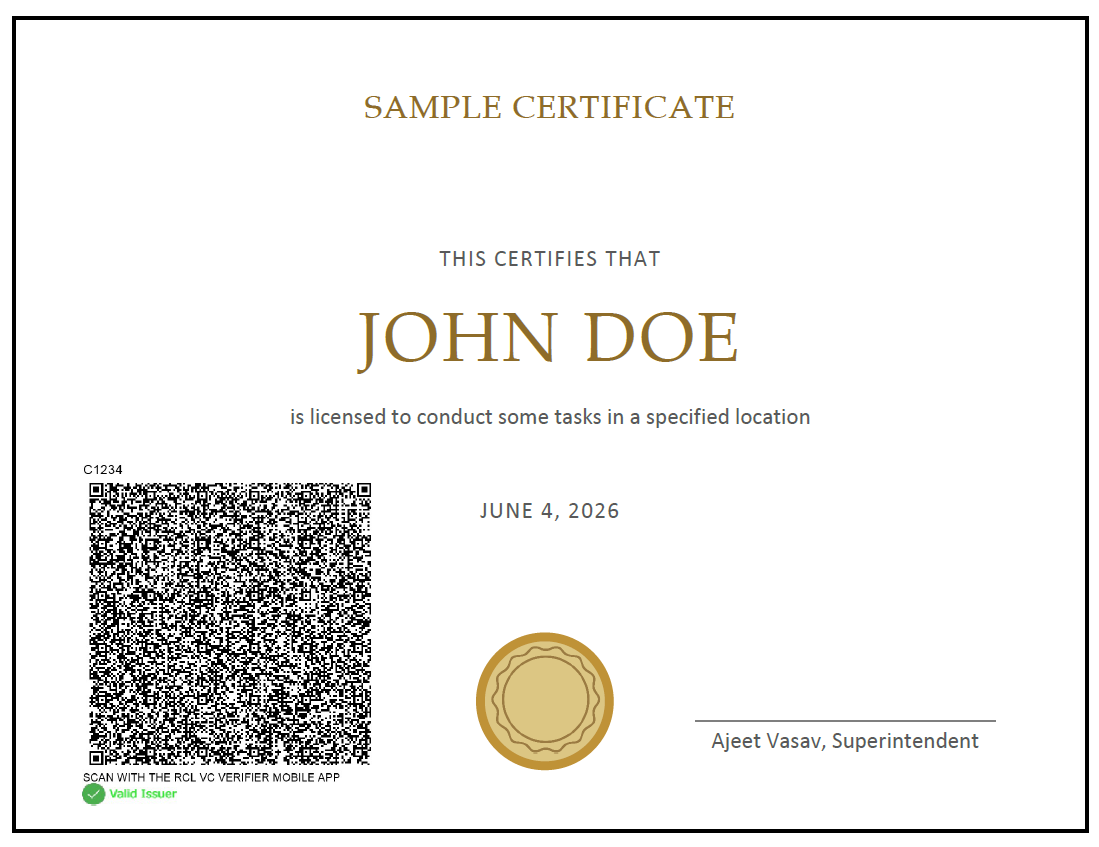
The issuer will then use the application to create a credential and sign it with their private key. The issuer will use the application to send the credential to the holder via email or printed form. Credentials can be formatted as PNG Images or PDF Documents.
Sample Credential as a .PNG Image File
Sample Credential as a .PDF Document
Recipient
The issuer will issue a credential to a holder via email or printed format. For PNG Image credentials, the recipient will store and display the credential in the RCL VC Wallet.
Verifier
Once a holder shares their credential with a verifier, the verifier can use the RCL VC Verifier application to instantly check its validity. The verifier will use the application to scan the QR code and decode the data for the credential. The application will then extract the Issuer’s public key contained in the credential to perform various security checks to verify the validity of the credential and ensure it was not tampered with.
RCL VC Workflow